Generate a schedule for your games
Create a schedule for your games that is fair, balanced and considers your constraints.How to generate a schedule →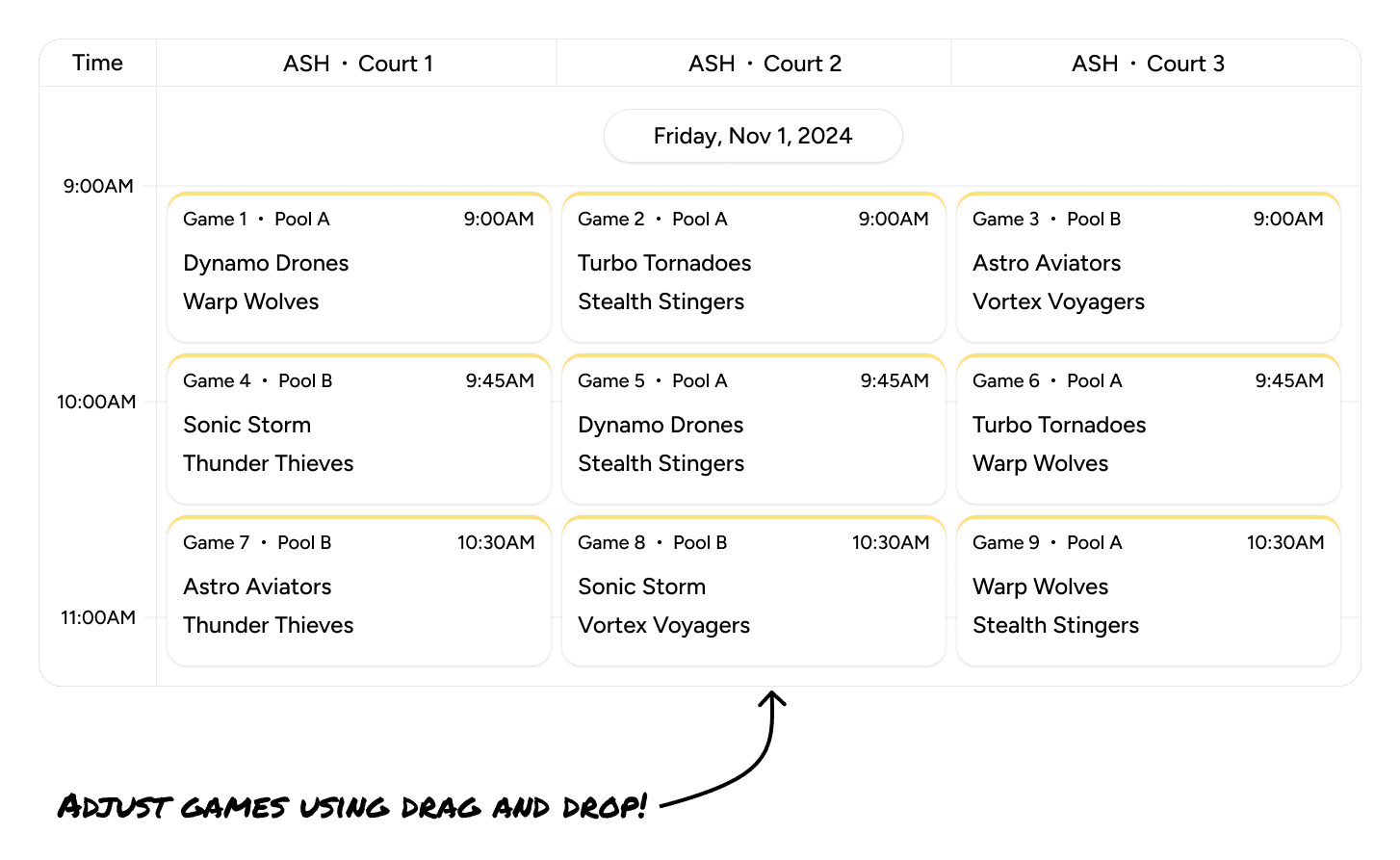
Drag games where they need to go
Drag and drop games to easily change their times or swap them with other games.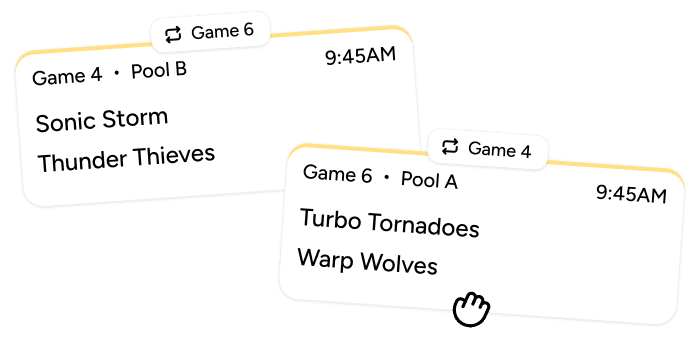
Add constraints to your schedule
Provide time slots and constraints on which games can be played where to generate a schedule that fits your needs.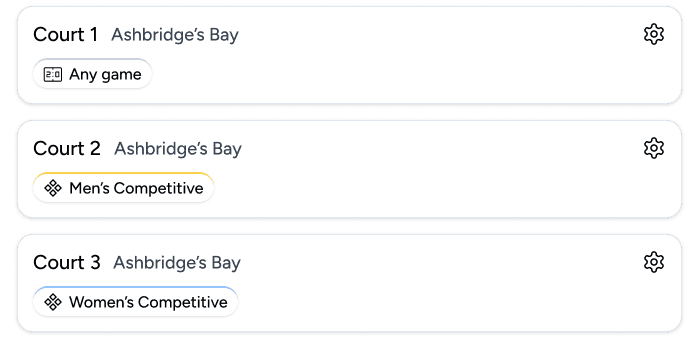
Tell Tourny when you have the courts
Set a game length for each round and add a time slot for each block of time your venues are available, like Friday 10:00 AM to 5:00 PM for pool play and Saturday for playoffs. Tourny fits every game in.
Keep games where they belong
Limit any court, field or diamond to specific categories, rounds or pools, for example pool A on Diamond 1 and pool B on Diamond 2.
Adjust by hand
Drag and drop games in the calendar view, edit times in the list view, or generate again. Participants see the updated schedule as soon as you save.
Questions organizers ask
How does Tourny generate a tournament schedule?
You add your venues, set a game length for each round and add the time slots your venues are available. Tourny then assigns every game a time and a space.
Can I schedule over several days or venues?
Yes. Add a time slot for each day or block of time, and choose which courts, fields or diamonds are used in each one.
Can I change the schedule after it's generated?
Yes, at any time. Drag games in the calendar view, edit times in the list view or generate a new schedule.
When should I use next available court instead?
Use next available court when game lengths vary and you'd rather not set times, which is common for pickleball, badminton and table tennis. Use generated schedules when teams need to know their game times in advance.
See how organizers use Tourny for pickleball, volleyball, baseball and badminton.